Cooking at the Steakhouse is a repeatable way to earn cash in BlockSpin. Each order sends you back to the fridge for another steak, then to the assigned grill, where you have to hit Finish while the bar is green. Our keyless script handles that loop on foot after you take the job. It also includes optional ESP and camera lock-on for when you leave the kitchen.
Copy the keyless BlockSpin script. Tested on November 11, 2026 on PC and mobile. The recorded Steakhouse run used Potassium on PC.
Robscript Team – BlockSpin
Automates the Steakhouse Cook job on foot and presses Finish inside the green zone. The same hub includes optional ESP and camera lock-on. More features will be added gradually.
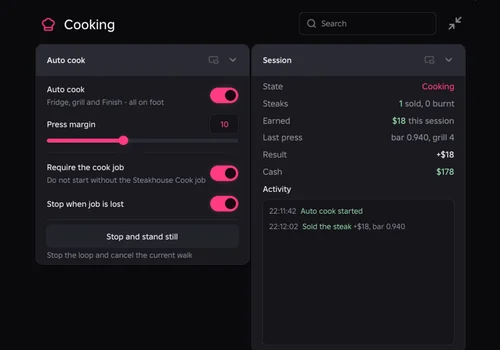
- Auto Steak Cook — fetch a steak, walk to the assigned grill and press Finish in the green zone
- Cooking Controls — adjust press timing, stop the walk and stop when the cook job is lost
- Session Results — see steaks sold or burnt, payouts and the activity log
- +5 more
Details
Robscript Team – BlockSpin functions
- Auto Steak Cook — fetch a steak, walk to the assigned grill and press Finish in the green zone
- Cooking Controls — adjust press timing, stop the walk and stop when the cook job is lost
- Session Results — see steaks sold or burnt, payouts and the activity log
- Player ESP — labels for name, job, health, level and distance, plus optional outlines
- Dropped Item ESP — see nearby cash and loot, with source labels when available
- Vehicle and World ESP — separate switches for vehicles, shops and event markers
- ESP Style — adjust range, colors, text size and distance origin
- Camera Lock-on — choose a target, show its ring and switch targets with the mouse wheel on PC
Change history
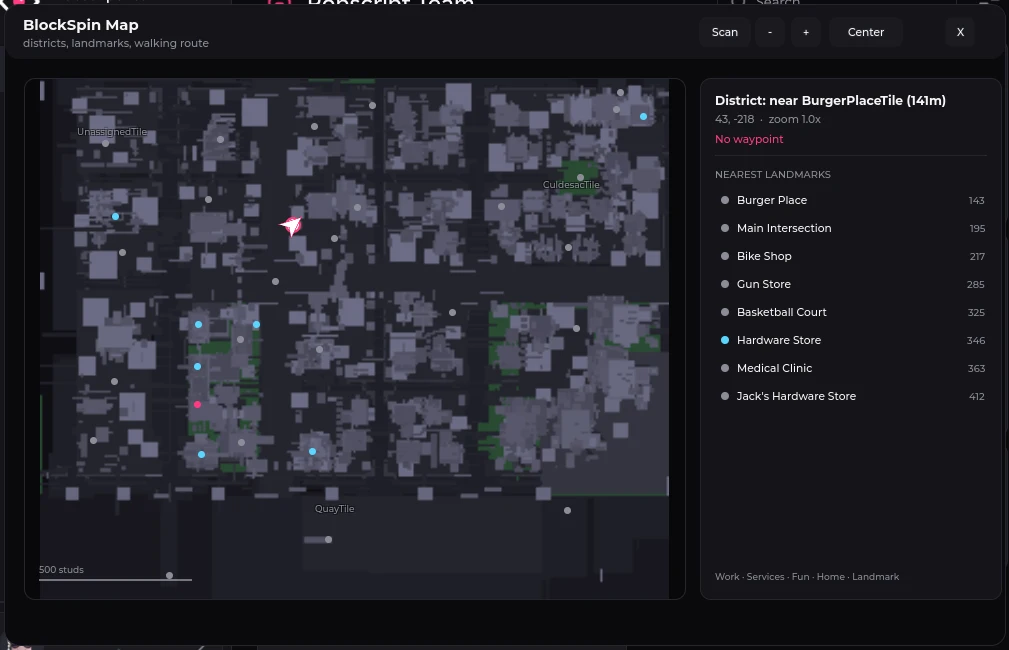
- — Added Robscript Team’s keyless build. PC/Potassium test recorded a successful Steakhouse sale for $18. Mobile and PC support confirmed by Robscript Team. Shelf placement and the separate map are documented with their limitations.
Script code
loadstring(game:HttpGet("https://raw.githubusercontent.com/bobloscript/robscript/refs/heads/main/BlockSpin"))()A shift at the Steakhouse
Take the Steakhouse Cook job in BlockSpin, walk into the kitchen and turn on Cooking → Auto cook. We left the job checks on so the loop would stop if the job was lost.
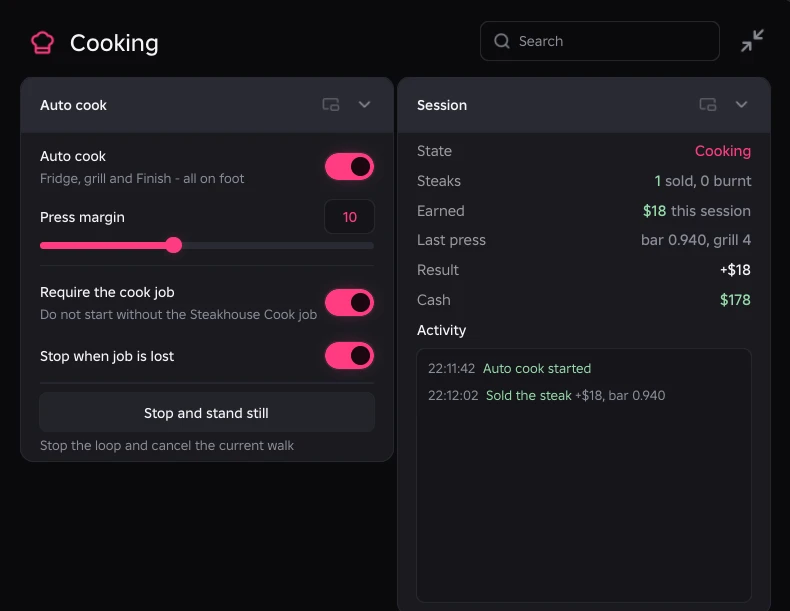
The longer run completed at least five steaks in a row at roughly 20 seconds each. Keep an eye on Session for the result, since the cash can arrive a few seconds after Finish. Stop and stand still cancels the current walk. If you respawn, give the character time to return to the kitchen.
Around the block between orders
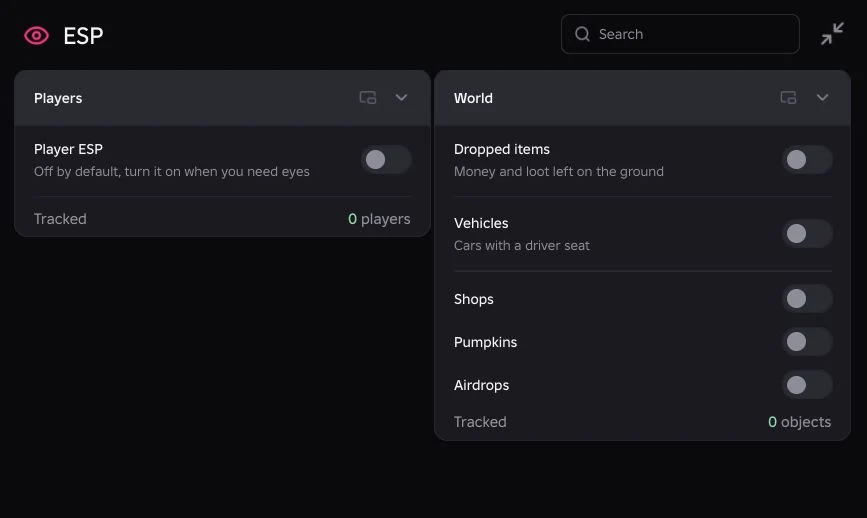
Open ESP when you want to see who’s nearby or spot dropped cash. Player labels can show name, job, health, level and distance. The world switches cover vehicles, shops, pumpkins and airdrops. We checked cash drops in play and tested vehicle and airdrop markers with sample objects. Markers cover the part of the city your client has loaded. Use ESP Style to trim the range or shrink labels when the screen gets crowded.
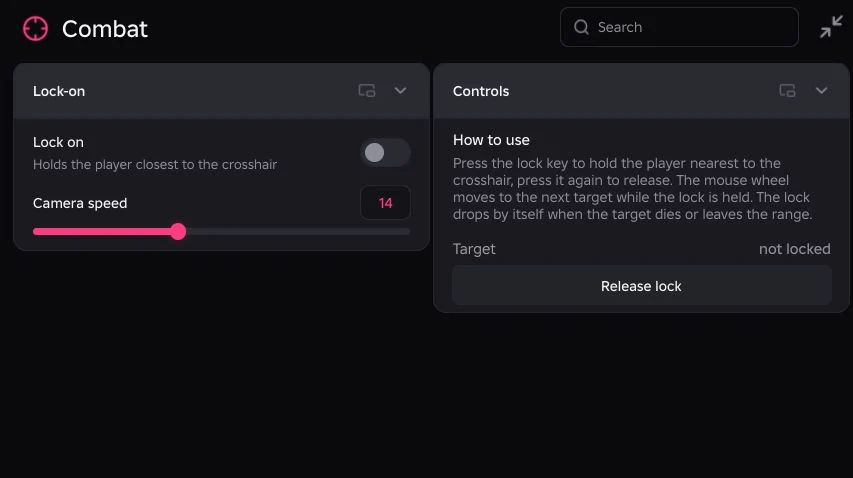
The Combat tab adds a separate camera lock. On PC, middle mouse locks the player near the crosshair by default. Scroll to switch targets or use Release lock to clear it. Force lock can snap to the nearest valid player and pick another when that target disappears. Face target pauses during Auto cook.
On PC, RightControl toggles the hub and End unloads it. If the hub disappears after a rejoin, load it again. See the executor directory for setup help. We’ll add more jobs and tools as they’re ready.