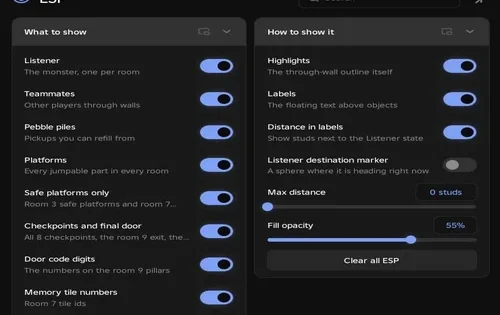
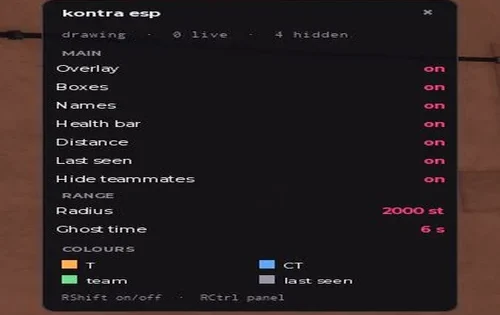
Boxing Battles Scripts 2026 — (NO KEY) Auto Battle

Published Updated 597 views
  • 1 script
  • 1 NO KEY
  • 0 KEY SYSTEM
  • 1 mobile

Browse 1 Boxing Battles script in this collection. 1 offers NO KEY access. 1 lists mobile support.

Reviewed by RobScript Team

In Boxing Battles, you lift weights to gain strength and fight players for money. Robscript Team built this hub after we couldn’t find another working script. The mechanics below come from our own code and in-game checks.

Keyless / NO KEY Scripts
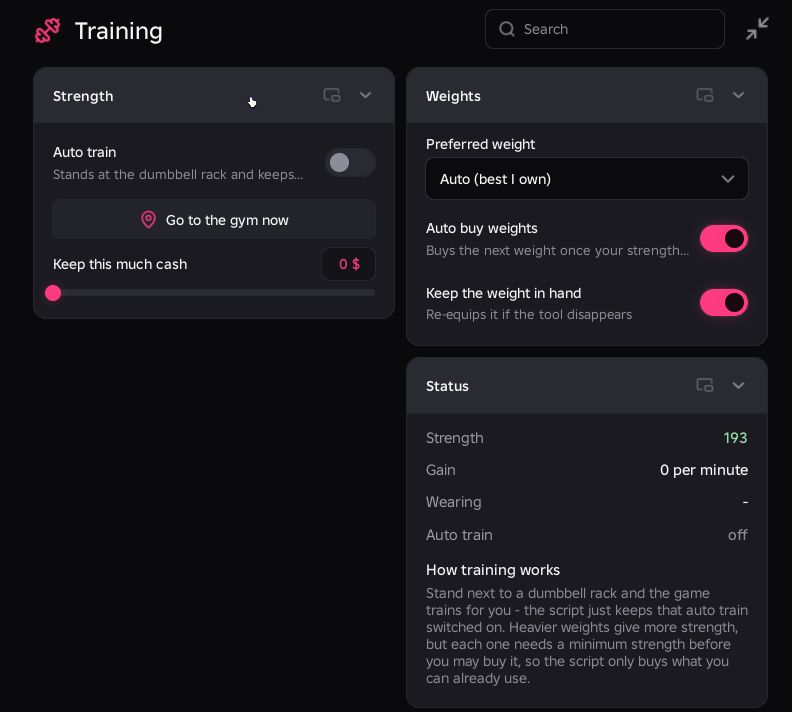
Robscript Team’s Boxing Battles Hub interface
Robscript Team script preview

Robscript Team

Developer
Robscript Team
Updated
Updated
Working
NO KEY PC MOBILE

Training, weight purchases, AFK cash and the ring battle cycle worked in our checks. Rotation switched between the selected jobs.

  • Auto Train at the Gym
  • Go to the Gym
  • Auto Buy Weights
  • +22 more
Limitation: Training interrupts AFK-pad farming when both run together. Kill Aura and Auto Punches require Auto Battle. Auto Rebirth is not included.
Copies 52 GitHub
Details

Robscript Team functions

  • Auto Train at the Gym
  • Go to the Gym
  • Auto Buy Weights
  • Preferred Weight or Best Owned Weight
  • Cash Reserve for Weight Purchases
  • Keep the Weight in Hand
  • AFK Money Farm
  • Go to the AFK Pad
  • Auto Battle: 1v1 or 2v2 Rings
  • Opponent Wait Timer
  • Maximum Fight Duration
  • Kill Aura
  • Adjustable Aura Range
  • Hover Above the Target
  • Adjustable Hover Height
  • Auto Punches
  • Adjustable Punch Delay
  • Timed Money, Battle and Training Rotation
  • Choose Included Phases
  • Minutes per Phase
  • Strength and Cash Rates
  • Battle Status, Health and Win/Loss Count
  • Timestamped Action Logs
  • Saved Configs, Autoload and Share Codes
  • Theme and Interface Settings
Access
NO KEY
Tags
PC MOBILE
Languages
English
Compatibility
Delta Arceus X Codex Other
Script code
loadstring(game:HttpGet("https://raw.githubusercontent.com/bobloscript/robscript/refs/heads/main/boxing_battles", true))()

How to Use Boxing Battles Hub

Main jobs start off in a fresh setup. Copy the loader from the card and use your executor. Check executor status if the loader will not run.

  1. Join the game, wait for your character and map to load, then paste the loader into your executor and execute it.
  2. Choose one job: Training’s Auto Train, Money’s Farm Money on the AFK Pad, or Battles’ Auto Battle. You do not need to enable all three.
  3. For scheduled switches instead, select phases and their minutes in Rotation, then enable Rotation. Include Training starts off, so select it if you want a gym phase.
  4. To stop scheduled jobs, turn Rotation off. For manually started jobs, disable each main mode you enabled. RightControl only hides or shows the window.
  5. The game’s own AUTO TRAIN can remain enabled after the hub loop stops. Turn it off in the game too if you want training to stop completely.
Using scripts can violate Roblox’s Terms of Use and may lead to account penalties.

How Boxing Battles Hub Works

Each job reads your stats and moves your character to the location it needs.

Training at the Gym
Auto Train moves you beside a dumbbell rack and keeps the game’s free AUTO TRAIN enabled. Go to the Gym Now makes one move without starting the hub’s training loop. Check strength, gain per minute, the equipped weight and the running status to follow progress.
Choosing and Buying Weights
Preferred Weight selects a dumbbell. Auto (best I own) uses your owned weight with the highest strength gain. Auto Buy Weights checks ownership, the strength requirement and cash left after your reserve. In Auto mode, it selects the strongest affordable weight you qualify for and moves to its rack before buying. Keep the Weight in Hand handles equipping; Keep This Much Cash controls the reserve.
Cash From the AFK Pad
Farm Money on the AFK Pad keeps your character on the cash pad and returns you if you move too far away. Go to the Pad Now makes a single move. The status panel shows cash, cash per minute and whether you are on the pad.
Queueing and Repeating Matches
Choose 1v1 or 2v2. The hub counts nearby players at matching queue pads and chooses from up to three of the least occupied pads. Wait for an Opponent controls when it tries another queue. Longest Fight limits a stalled match. After a fight, the hub logs the result, pauses and queues again.
Combat Tools Need Auto Battle
Kill Aura and Auto Punches run inside Auto Battle’s active-match loop. Their switches alone do not start combat. Aura Range sets how far the hub looks for the nearest living player. Fly Above the Target and Hover Height control positioning. Auto Punches uses Punch Delay between requests. The panel shows the opponent, phase, health and wins/losses. Your strength still affects the fight, so train more if you keep losing.

Under the hood, PivotTo teleports your character between job locations. Training and purchases use the game’s own actions, with prices and requirements read from its weight data. The public source is linked in the script card.
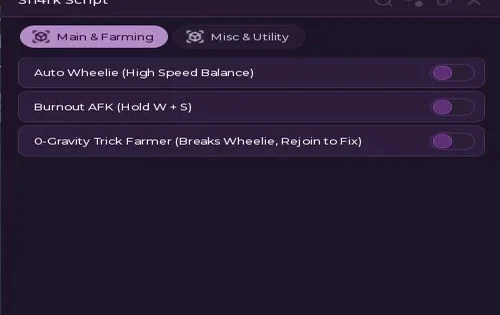
Rotation and Current Limits

Training Interrupts AFK Cash
Both jobs work separately. Together, Training tries to return you to a dumbbell rack while Money tries to return you to the cash pad. This is a conflict in the hub’s movement loops. Use one job at a time or Rotation to alternate them.
Rotation Settings
The order is Money, Battles, then Training, with unchecked phases skipped. Default durations are 5, 10 and 5 minutes. Adjust each time to suit your progress. Each phase turns the other jobs off, avoiding competing movement loops. The status row shows the active phase and time left. Leave the job switches under Rotation’s control while it runs.
No Auto Rebirth Yet
Rebirths must be handled manually in this version. We plan to add Auto Rebirth later; it is not an available feature yet.

Recorded Development Checks

These short samples were recorded while we built the hub. They are examples, not fixed farming rates.

CheckSetupObserved Result
Gym training
1 Kg weight; 20 seconds
About +19 strength.
Training outside the gym
Auto Train enabled away from the racks
No strength gained in this check.
AFK cash
15 seconds on the pad
About +15 cash.
Ring cycle
Auto Battle enabled
The match started and ended, the result was logged and the hub queued again.

Settings and Troubleshooting

Saved Setups and Interface
Settings are saved in BoxingBattlesHub. Save named configs, set one to autoload or move a setup with a share code. Autoload can restore your saved switches. Theme settings let you change the palette and interface scale.
No Window or a Fresh Restart
The Airflow UI library downloads when the hub starts, so check the connection if no window appears. Running the loader again stops older background loops.
Read the Logs and Status
Logs records actions with timestamps. If strength stalls, check the rack location and training status. For missing cash, check On the Pad. For a missing weight purchase, check its strength requirement and your reserve. A ring still needs players; try another ring type or adjust the wait timer.
Punch Requests Do Not Register
Check that Auto Battle is enabled and a match is active. If punches are too frequent for the server to accept, try a longer Punch Delay.