Arena of Survival drops 23 other players into a shrinking map with a cornucopia in the middle, loot crates hidden in the grass, hunger, thirst and oxygen draining at once, and disasters that finish whoever the players missed. Our keyless hub reads that match without touching it: names, health, weapons and distance for everyone around you, the loot worth the walk, the animals before they walk into you, and the meters that kill you when you look away. We ran it on 23 November 2026 in a live round, and everything in the window works except the aim assist. Game: Arena of Survival.
Arena of Survival script with no key
Robscript Team Hub
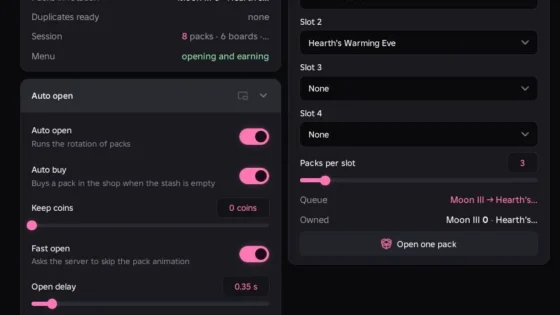
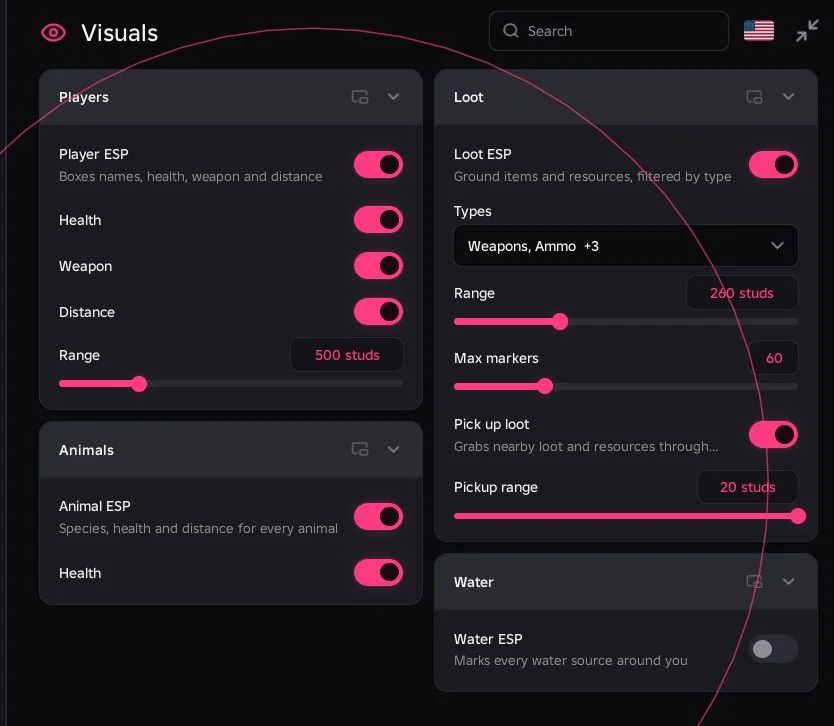
Player ESP draws a box with the name, health, weapon and distance for every player in range, with a Highlight on each body. Loot ESP marks ground items and resources by type inside a set range with a marker cap and picks up the nearest prompt for you, animal ESP names species and health and colours predators red, water ESP points at the nearest source. Survival reads health, hunger, thirst and oxygen from the game's own countdown and automates eating, drinking, healing and crafting through the game's own item calls, while the World tab keeps phase, map, barrier timer, water and weather in view.
- Visuals tab: Player ESP, Health, Weapon, Distance, Range up to 500 studs, Loot ESP filtered by type, loot range up to 260 studs, Max markers up to 60, Pick up loot, Pickup range up to 20 studs, Animal ESP with health, Water ESP
- Survival tab: live health, hunger, thirst and oxygen bars, alive count and map, Auto eat, Auto drink, Auto heal, Auto craft
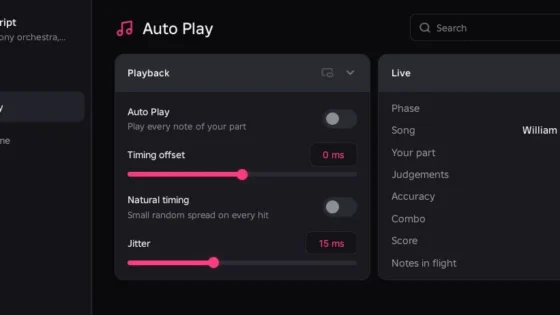
- Combat tab: Aim assist, Only while aiming, aim part head or body, FOV, field of view circle, target readout
- +2 more
Details
Robscript Team Hub functions
- Visuals tab: Player ESP, Health, Weapon, Distance, Range up to 500 studs, Loot ESP filtered by type, loot range up to 260 studs, Max markers up to 60, Pick up loot, Pickup range up to 20 studs, Animal ESP with health, Water ESP
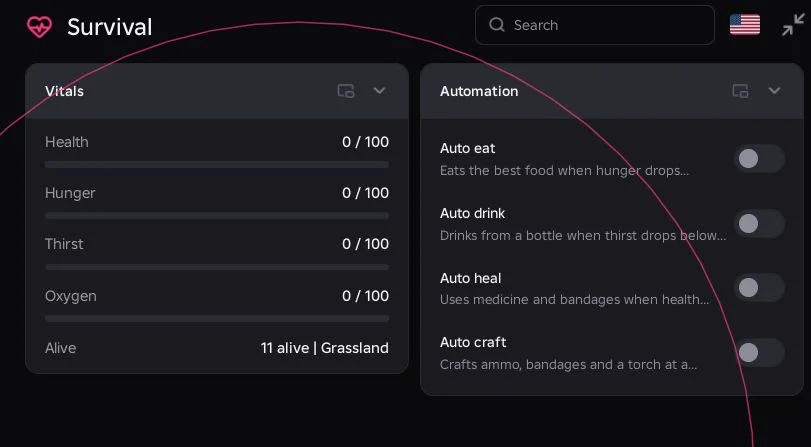
- Survival tab: live health, hunger, thirst and oxygen bars, alive count and map, Auto eat, Auto drink, Auto heal, Auto craft
- Combat tab: Aim assist, Only while aiming, aim part head or body, FOV, field of view circle, target readout
- World tab: phase, map and in-map clock, barrier, nearest water, water list, weather
- Settings tab: configs, themes, English and Russian, Enable everything, Unload
Change history
- – Added. Live round on Arctic and Grassland: 21 player markers with health and distance, 43 loot marks and 5 animals on screen at once, Kunai x2 picked up through the game prompt at 2.9 studs, 14 studs per second on a 169-stud walk with no anti-cheat strike, 20 seconds of client log with no warnings. Aim assist is the one switch that takes no effect.
Script code
loadstring(game:HttpGet("https://raw.githubusercontent.com/bobloscript/robscript/refs/heads/main/ForestArena", true))()The window is one Robscript frame at 780 by 540, hidden on RightControl, and four tabs that map onto the four things that end a run: what you cannot see, what is quietly killing you, the fight, and the map. A fifth tab keeps the configs.
Four Tabs and the Settings Behind Them
Visuals: who is where, and what is worth the walk
Player ESP draws a box with the name, health, weapon and distance for every player in range; in our round the labels read like amelie_carlos9 100hp | 132m, with a Highlight on each body so nobody disappears into a bush. Loot ESP works from the other side of the same idea: 260 studs of reach, up to 60 markers, filtered by type, and it marked everything inside that range at once, cornucopia included. Animals get their own switch and their own health line, predators are marked red, and Water ESP ends the hunt for a lake. One slider, Range, covers all of it, and it sat at 500 studs in our session.
Survival: the meters, and the switches that keep them up
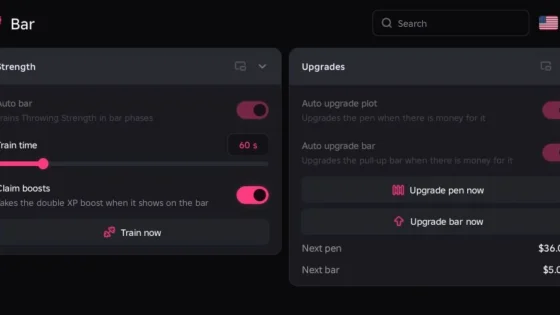
Vitals is the meter block: health, hunger, thirst and oxygen, each out of 100, refreshed from the game’s own countdown formula instead of a guess, so the bars fall exactly as fast as the real ones. The line under them is the part no HUD gives you: how many are still alive, the map you are standing on, the in-map clock. Automation is what keeps the run going while you loot. Auto eat takes the best food in the bag, Auto drink goes for the bottle, Auto heal reaches for medicine and bandages under a threshold, Auto craft puts arrows, bandages and a torch back in the bag at the station. All four go through the game’s own item calls, which is why the inventory really changes rather than just the panel.
World: the round in four lines
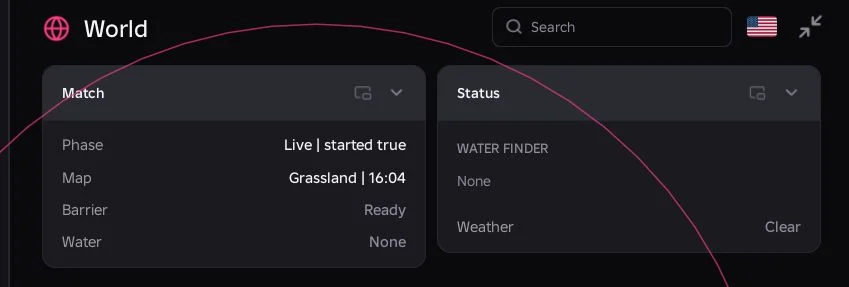
The readout you open first and then stop noticing. Phase tells you whether the round is live or you are still waiting, Map gives the name and the in-map clock, Barrier counts down to the next squeeze, Water points at the nearest source and lists the rest, Weather names whatever is already running: Clear, rain, a fire front, a meteor shower. In our round it read Live | started true, Grassland | 16:04, barrier Ready, weather Clear, and it flipped back to Waiting between rounds without a click.
Settings: configs, theme and language
Settings is the usual Robscript frame: saved configs, a theme picker, a language switch between English and Russian, Enable everything and Unload. The same flags came back and read their values after a reload.
One Round From the Inside
In the lobby. The hub loaded while the round was still Waiting: every Vitals bar sitting at 100 because the meters only start draining on the countdown, and loot ESP showing nothing because the map had not spawned its crates yet. Nothing in the window was wrong before the round even began.
One minute into Arctic. The live round drew 21 player markers, each with a Highlight and a label reading like amelie_carlos9 100hp | 132m, then 43 loot marks and 5 animals on that same screen without the frame rate moving. The cornucopia held 313 items and the resource pile 170, and the ESP sorted them by type instead of drawing a wall of text over the grass.
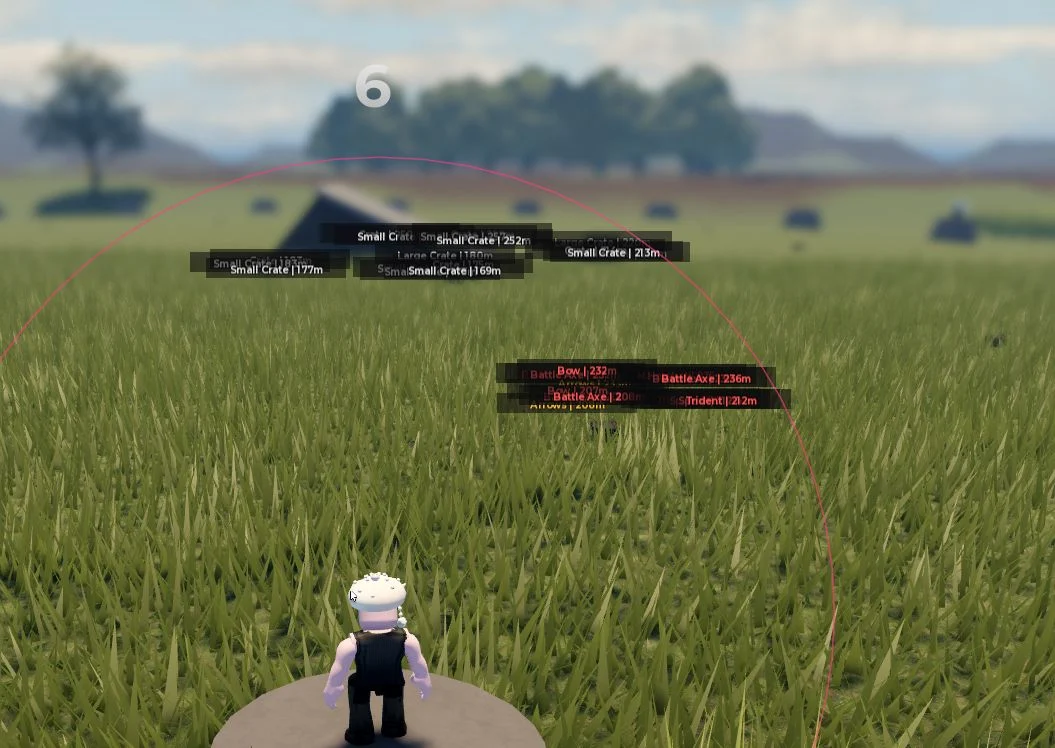
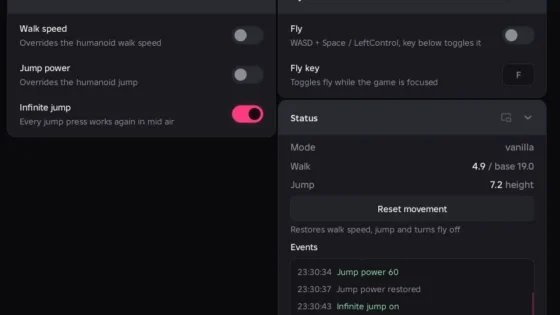
The walk and the pickup. A crate 169 studs out was reached at 14 studs per second, the game’s own walking speed, and the anti-cheat, which samples movement four times a second, raised nothing. At the crate the Kunai prompt fired at 2.9 studs, the bag went from empty to Kunai x2, and the item left the ground for good.
The fight we did not take. Combat picked its targets in order, Xman_Marvel1 then DreamSpaceWorld then Feenja4229, and every shot still left the barrel at the cursor. That is the whole story of the aim assist: the tab works, the redirect does not.
Twenty seconds with the log open. Not one warning or error came from the hub or from the UI framework under it, in the lobby or in the round. On the next map, Grassland, the same window read eleven alive at 16:04, weather Clear, barrier Ready.
More Roblox scripts. Our universal hub covers 300+ places in one loader, the executor status page shows which clients are working today, and you can request a game if yours is missing.