Throw Food For Baddies is a throw-and-collect tycoon: you time the strength meter, hurl food down the lane, and whatever baddie it reaches stands on your pen for money per second. Our keyless hub plays that whole loop in your place — the throw at the top of the meter, the baddie onto the pen, the spare ones sold, the fruit bought, the pen and the bar upgraded, and the pull-up bar worked in rotation with the throwing. We ran it on 23 November 2026 and after the master switch it never needed a click. Game: Throw Food For Baddies.
KEYLESS Throw Food for Baddies scripts
Robscript Team Hub
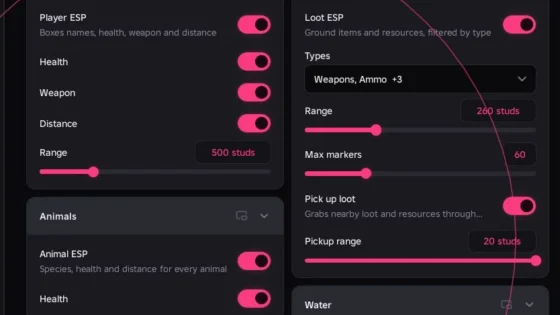
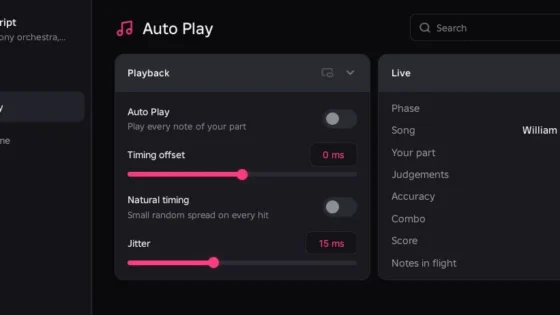
One master switch runs the whole pipeline: throw the food at the peak of the meter, place the caught baddie on the pen, take the weakest one off when the pen is full and sell the spares, buy and equip the best fruit you can afford, upgrade the pen and the bar, and work the pull-up bar in a timed rotation with the throwing. Status readouts on the island show what it is doing, which phase is next and how much cash is in hand.
- Farm tab: Auto farm master, Auto throw, Auto place, Equip best, Sell spare, Keep favorites, Equip best now, Sell spare now, Auto fruit, Buy now, Best fruit, readouts for doing, phase, next switch, cash, active, spare, throw strength and last catch
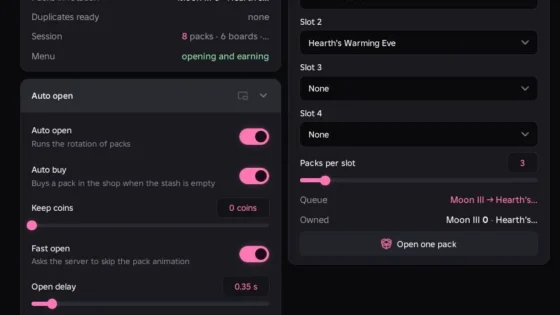
- Bar tab: Auto bar, Train time, Claim boosts, Train now, Auto upgrade plot, Auto upgrade bar, Upgrade pen now, Upgrade bar now, next pen and next bar prices
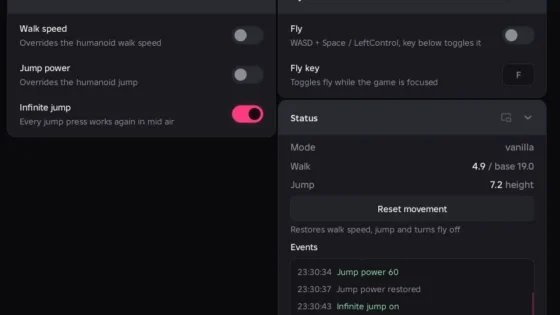
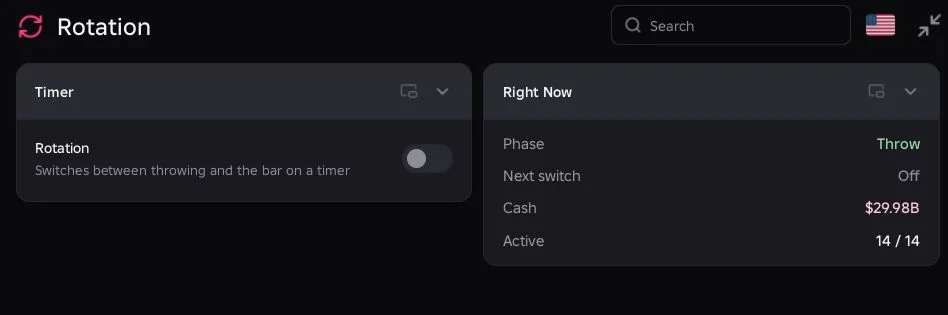
- Rotation tab: Rotation, Throw time, Bar time, Start with, phase and next switch
- +3 more
Details
Robscript Team Hub functions
- Farm tab: Auto farm master, Auto throw, Auto place, Equip best, Sell spare, Keep favorites, Equip best now, Sell spare now, Auto fruit, Buy now, Best fruit, readouts for doing, phase, next switch, cash, active, spare, throw strength and last catch
- Bar tab: Auto bar, Train time, Claim boosts, Train now, Auto upgrade plot, Auto upgrade bar, Upgrade pen now, Upgrade bar now, next pen and next bar prices
- Rotation tab: Rotation, Throw time, Bar time, Start with, phase and next switch
- Settings tab: configs, themes, Stay in game, Check my game, Unload
- Activity tab: event log of every catch, sale and upgrade
- API: getgenv().RobScriptTFFB with Set, Get, Check, SellNow, Toggle and Destroy
Change history
- – Added, version 1.1. The master switch ran the whole pipeline on its own: spares sold, every catch placed, pen and bar upgraded, pull-up training in rotation. No console errors.
Script code
loadstring(game:HttpGet("https://raw.githubusercontent.com/bobloscript/robscript/refs/heads/main/ThrowFoorForBaddies", true))()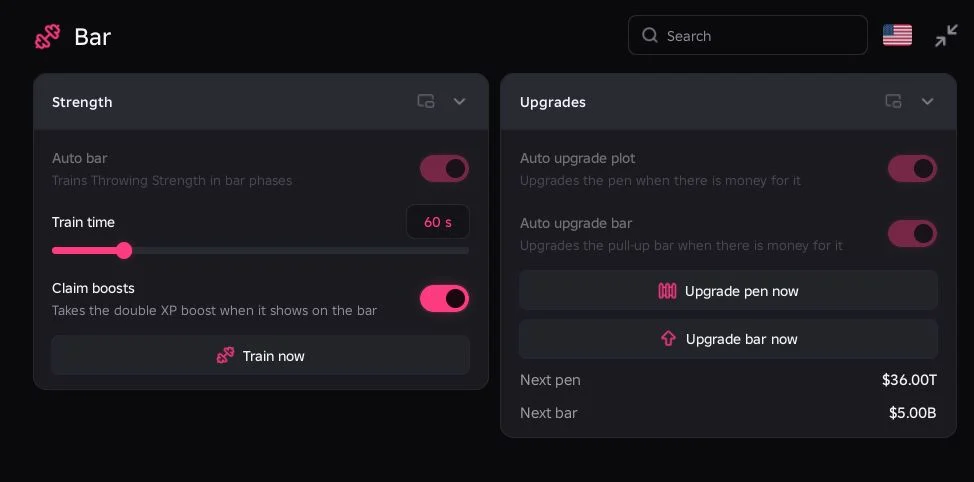
Six Tabs, One Pipeline
The 1.1 build drops the idea of separate modules. One master switch starts a pipeline, and every other toggle only cuts a link out of it: throw, place, and when the pen has no room, the weakest baddie comes off and the new one goes in, with the spare sold in the same pass instead of waiting for its own timer. The remaining tabs are the same loop seen from other angles: Bar trains and upgrades, Rotation schedules both, Activity writes down what happened and when.
Why the Peak Is the Whole Point
The game’s own auto-throw is the reason this hub exists. It asks the server for a throw with the auto flag on, and the server hands back a random meter — 0.2409 and 0.6461 in two measurements — so the throw is worth strength plus five to thirteen instead of plus twenty. The hub asks for a normal throw, waits the 0.8 seconds the triangular meter needs to reach its peak, and taps: 0.995 to 0.997 every time. It cannot fake that tap either. Sending a time that has not happened yet is rejected by the server with a clamp error, so the peak has to be real, and it is.
The rest of the chain is bookkeeping the game expects from a player: a caught baddie arrives in the hand and the hub sends a place request for a point on the pen, the sale goes through the sell stall, the fruit through the pen’s own food shop, the pen through the upgrade sign and the bar through its prompt. Every one of them is distance-checked on the server, which is why the hub teleports to the station, does the thing and comes back to the pipeline rather than firing calls from the throw lane.
Rotation: Both Switches or Nothing
Rotation is the one part with a rule attached, and it is the first thing people get wrong. It only runs while Auto farm is on. With the master off, the Rotation toggle sits there doing nothing, and the order you switch them in does not matter as long as both end up on. Once they are, the timer splits the session between throwing and hanging on the bar, cleans the pen and sells the spares before the character leaves, and does the buying and upgrading at the start of the bar phase while the character is still free to move. Moving Throw time or Bar time recalculates the end of the current phase immediately, so a 120-second phase cut down to 15 does not keep running on the old clock.
What the Client Logged
Session log from 23 November 2026, one client, Potassium
- First switch: the master sold three spare baddies for $18.9K, then caught and placed the next one without help.
- Throws: one catch every 2.5 to 3 seconds, meter at the top of the scale each time, and a catch line reading Caught Kurom (1 in 6900).
- Placement: with the pen full, the weakest baddie came off, the new one went on and the removed one went to the stall in the same pass.
- Sale: five baddies for $2.98K, cash arrived and the list cleared.
- Fruit: Pear bought and equipped at the pen’s own food shop.
- Pen: tier 0 to tier 1 for $230,000; the next tier already showed $6B.
- Bar: level 2 to 5 at the upgrade prompt.
- Pull-up: 11 seconds took strength 95 to 225 and level 19 to 45, and the double-XP boost was claimed without a click.
- Rotation: 30 seconds of throws, 30 on the bar, back to throws, checked by character position and the training flag.
- Unload: window gone, placeholder removed, the API table cleared.
More Roblox scripts. Our universal hub covers 300+ places in one loader, the executor status page shows which clients are working today, and you can request a game if yours is missing.