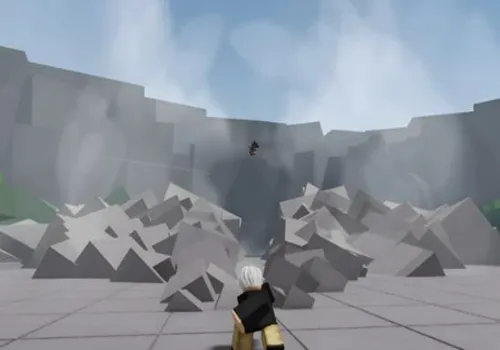
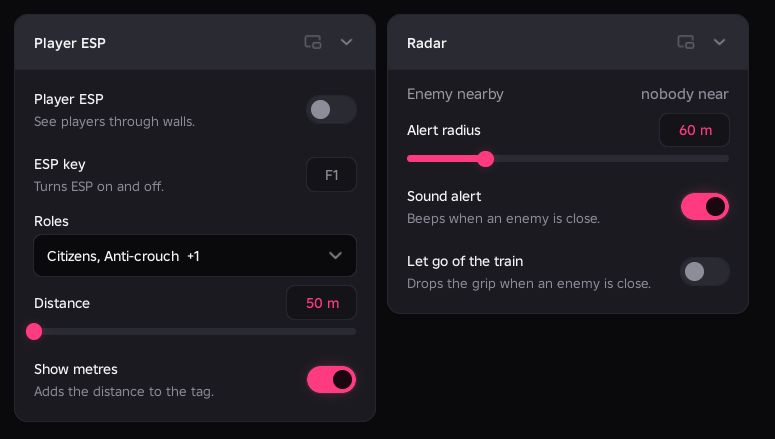
Player ESP and Radar answer different questions in RailSide: who is around you, and who counts as a threat to your role. Start by choosing which roles to display and how close a hostile player must be to trigger a warning.
RobScript Team – RailSide Hub
In-game checks confirmed Player ESP and its filters, radar alerts, automatic train release and one consumable purchase. The purchase charged the item's price and changed the character's condition.
- Player ESP with role filters, health tags and distance
- Enemy radar, Sound alert and Let go of the train
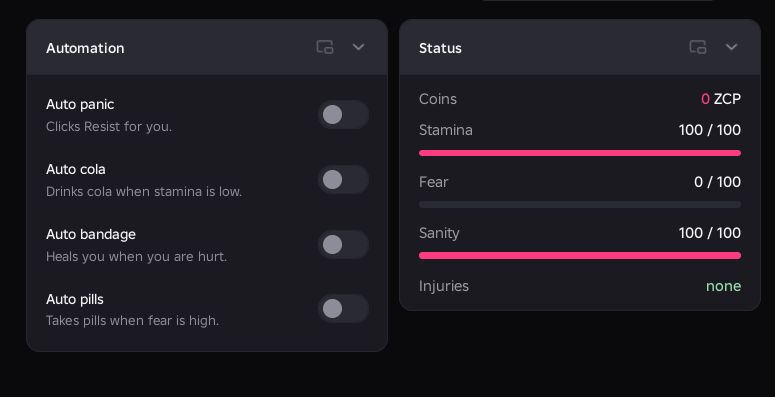
- Auto panic, Auto cola, Auto bandage and Auto pills
- +4 more
Details
RobScript Team – RailSide Hub functions
- Player ESP with role filters, health tags and distance
- Enemy radar, Sound alert and Let go of the train
- Auto panic, Auto cola, Auto bandage and Auto pills
- WalkSpeed, Jump, Noclip and Fly
- To spawn, To shop, To train and Respawn
- Live coins, stamina, fear, sanity and injury status
- English / Russian menu, keybinds and saved configs
Change history
- – Added RailSide Hub.
Script code
loadstring(game:HttpGet("https://raw.githubusercontent.com/bobloscript/robscript/refs/heads/main/Railside", true))()Radar chooses hostile roles separately from the ESP display filter. For a Citizen, it watches Anti-crouch and Security players. For those staff roles, it watches Citizens. ESP Distance and Radar Alert radius are separate settings.
Movement has its own switches
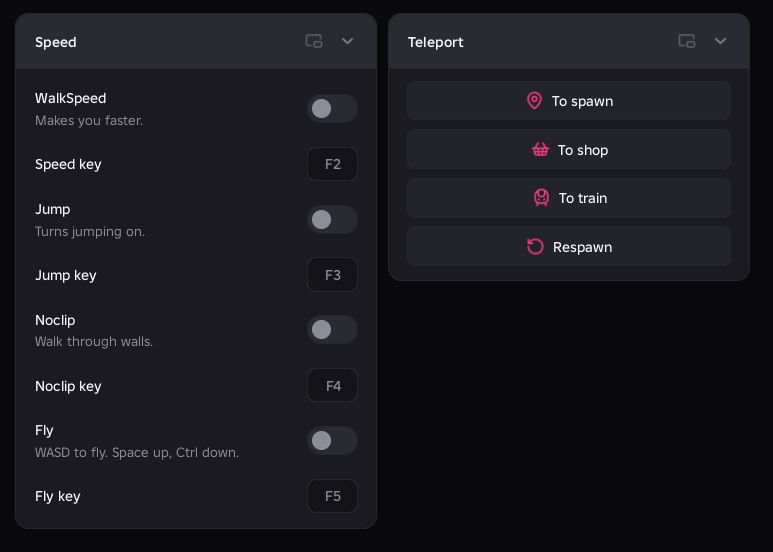
Turn WalkSpeed on to apply the Speed value; the source starts at 34. Jump has a separate power setting. The default shortcuts shown in the menu are F2 for speed, F3 for Jump, F4 for Noclip and F5 for Fly.
While flying, use WASD to move, Space to rise and Left Ctrl to descend. Left Shift doubles the chosen flight speed while held. RightControl hides or shows the hub.
Know when the survival helpers act