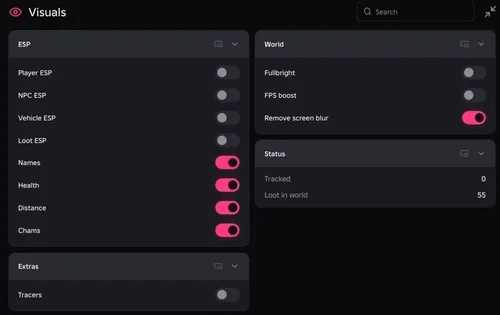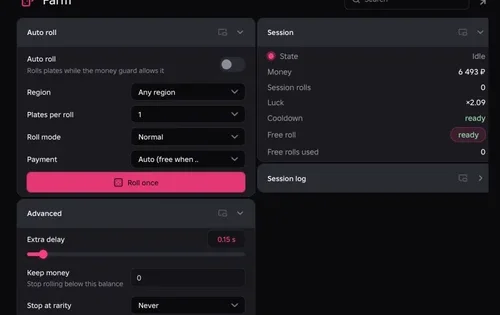
Find food, water containers and infected without checking every corner. Our 30 Floors Up hub combines filtered loot ESP with a live view of your supplies and current objective. Info and ESP worked in our test; the movement-based auto loot needs caution.
Partially working — tested November 10, 2026, on PC with Potassium and Delta. Copy the NO KEY script.
Robscript Team – 30 Floors Up
Locate supplies and infected, read food and water stocks, and keep your current objective in view. Our ESP test displayed 91 targets within 250 studs. Auto loot has a recorded kick warning and is not part of the confirmed working set.
- Loot ESP — names and boxes for selected supply categories
- Infected ESP — separate markers for infected
- Distance Filters — adjustable range and distance labels
- +5 more
Details
Robscript Team – 30 Floors Up functions
- Loot ESP — names and boxes for selected supply categories
- Infected ESP — separate markers for infected
- Distance Filters — adjustable range and distance labels
- Live Vitals — food, water, stamina and fatigue
- Water Stocks — tank, riser, cistern, heater and clean or untreated reserves
- Food Stocks — stored food and estimated days of supplies
- Run Tracker — day, time, phase, objective and event reminders
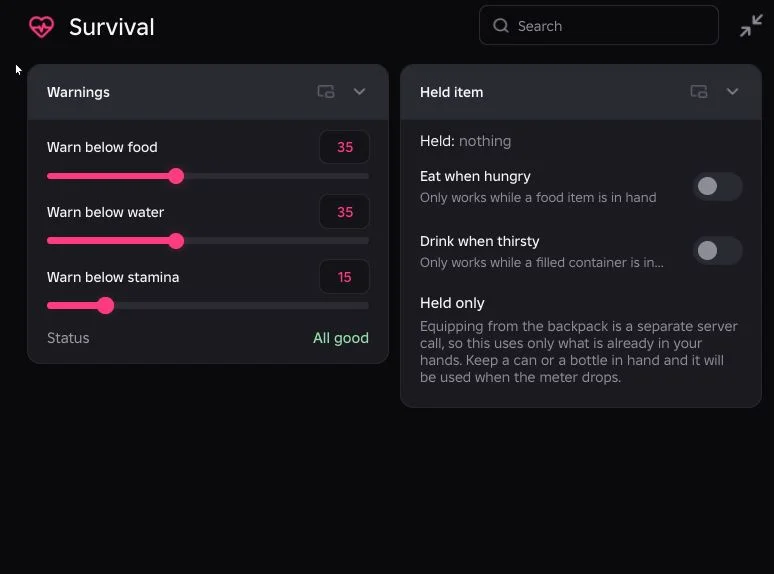
- Survival Warnings — adjustable low-food, water and stamina thresholds
Change history
- — We checked on PC with Potassium and Delta. Info, ESP and the visible controls work as recorded. The ESP test showed 91 targets within 250 studs. Auto-loot kick warning and unverified held-item automation remain.
Script code
loadstring(game:HttpGet("https://raw.githubusercontent.com/bobloscript/robscript/refs/heads/main/30FloorsUp"))()Start or load a campaign in 30 Floors Up, then run the code. The lobby is a different place. RightControl opens the menu; End unloads the hub. Executor details are in our executor directory.
Filter the supplies you actually need
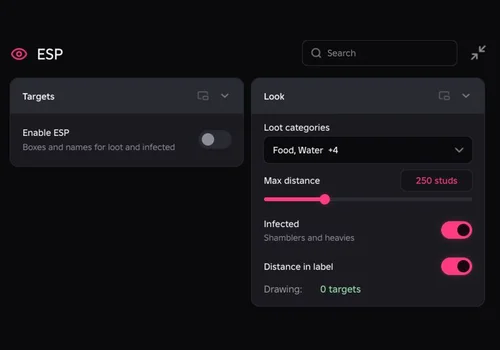
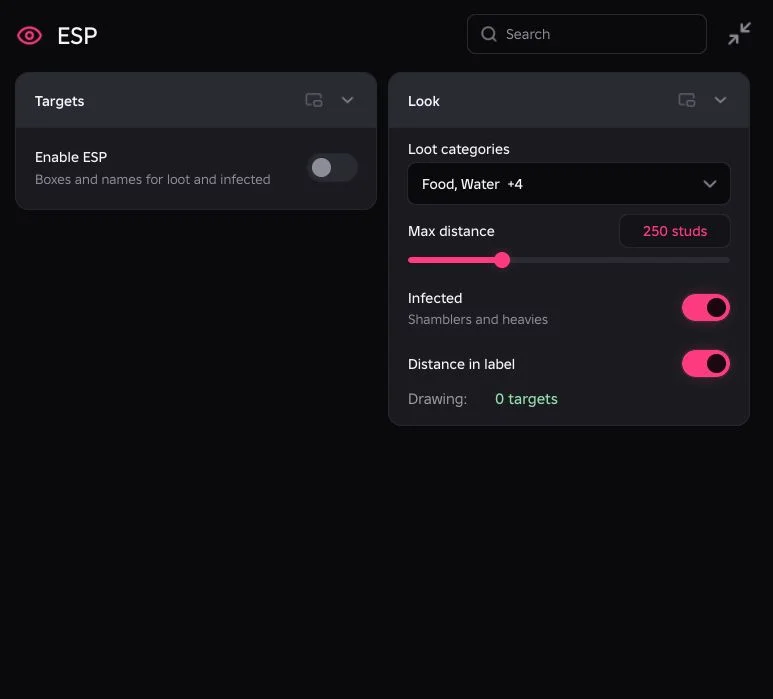
Enable ESP, choose Loot categories and set Max distance. Infected has its own toggle. A marker can sit behind a wall or on another floor: the hub measures distance, so a nearby box is not a promise of an open route. The 91-target result describes one test scene, not a target limit.
Check your water before the next supply run
Info separates clean and untreated water and shows storage levels alongside food reserves and the current objective. Survival lets you set warning thresholds. This is the part we would keep open: finding another can is useful; noticing the water shortage before leaving is better.
If markers or pickups do not work
- No markers: check Enable ESP, your category selection and Max distance inside the campaign.
- A marked item cannot be reached: move through the normal route; markers do not account for doors and walls.
- A pickup is refused: the game checks distance and can reject it. The hub does not provide remote pickup from anywhere.
- Kicked during auto loot: keep it disabled. There is no confirmed movement bypass in this build.
There is no godmode or infinite-food feature here. Using scripts can lead to a ban, and updates can change what works. You can inspect the 30 Floors Up source.