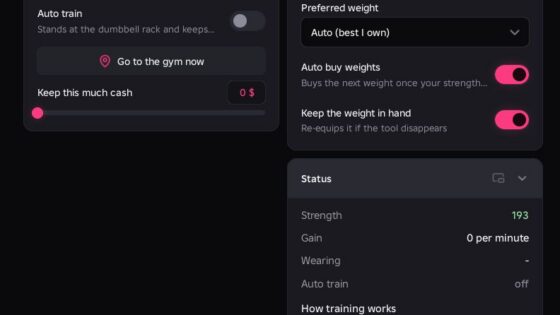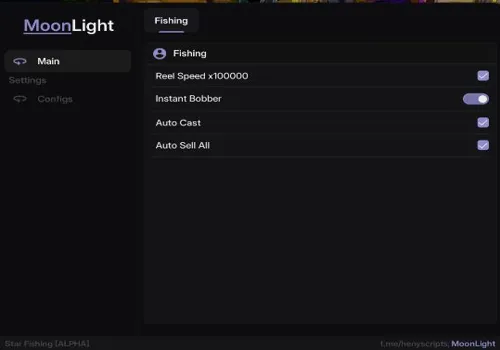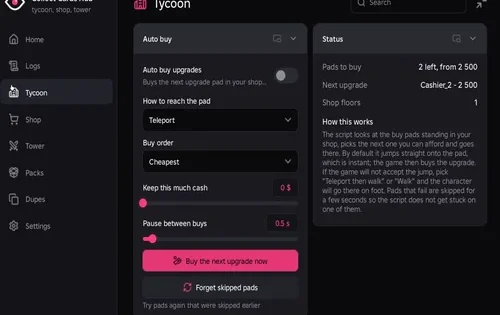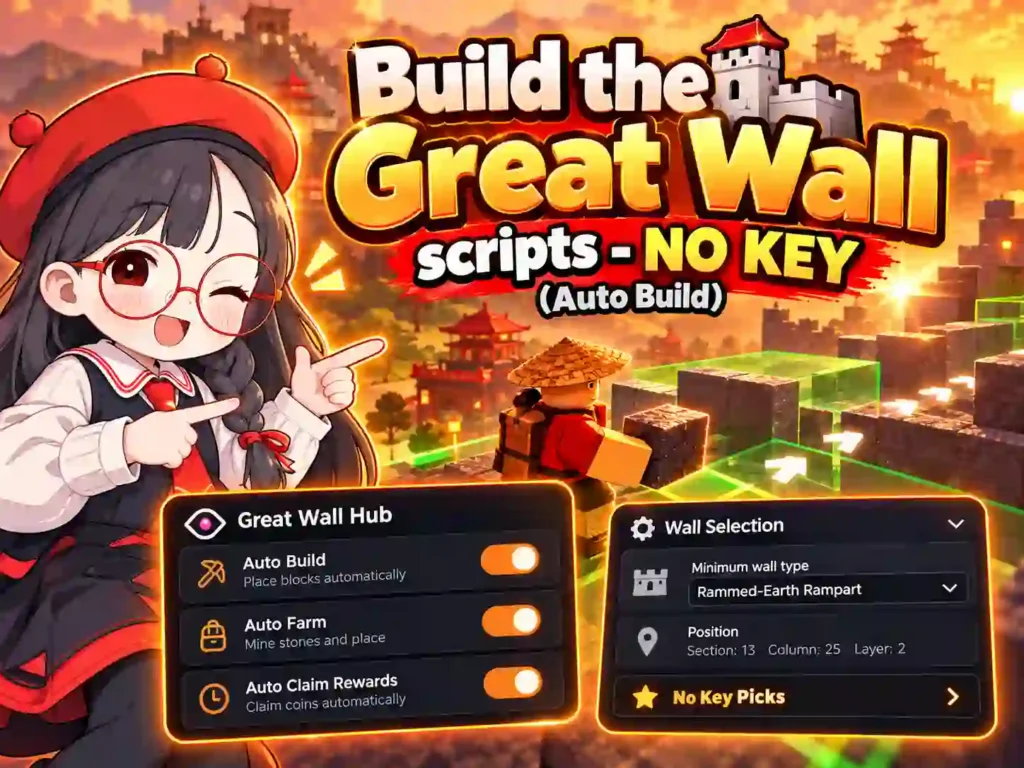
In Build the Great Wall!, players collect blocks from a quarry and work together to build the Great Wall of China. Train Strength and Speed and buy upgrades to progress faster.
Tested: On Potassium and Delta, PC and Mobile
Start with Robscript team if you want to alternate building, training and upgrades. Choose MonQer for block farming without moving your character.
Keyless Scripts
Cards are ordered by how much of the game they handled in our test. All three loaders are no-key; expand Details for their full feature lists.
Robscript team
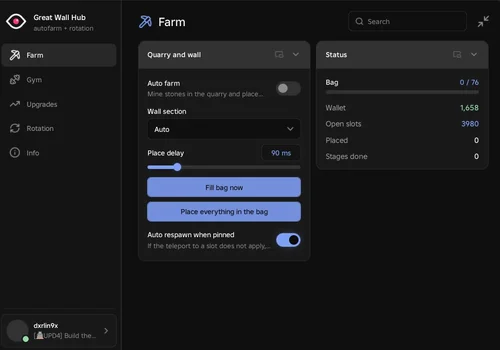
Every function worked correctly in our test. Auto Farm teleported the character to the wall section where blocks needed to be placed.
- Auto Farm: Quarry Collection and Wall Building
- Wall Section Selection
- Auto Delay and Manual Placement Delay
- +16 more
Details
Functions
- Auto Farm: Quarry Collection and Wall Building
- Wall Section Selection
- Auto Delay and Manual Placement Delay
- Fill Bag Now
- Place All Carried Blocks
- Auto Respawn When Stuck
- Auto Bench: Strength Training
- Auto Treadmill: Speed Training
- Hot Spring Stay
- Hot Spring Priority
- Autopilot: Rotation or Priority Mode
- Drag-and-Drop Task Priority
- Separate Timers for Farming, Running, Lifting and Hot Springs
- Auto Buy Upgrades: Priority Order or Cheapest First
- Custom Upgrade Priority
- Buy One Upgrade
- Live Bag, Coin and Training Status
- Session Statistics
- Saved Settings
Script code
loadstring(game:HttpGet("https://raw.githubusercontent.com/bobloscript/robscript/refs/heads/main/Build%20the%20Great%20Wall"))()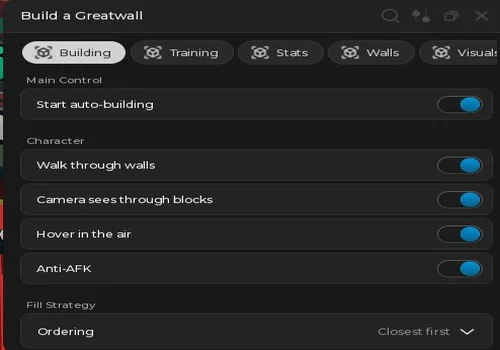
Gouang
Auto Build continued through successive wall sections in our test; we could not reproduce reports that it stops after one section. Speed and Strength training also worked.
- Auto Build
- Auto Refill From Quarry
- Fill Strategy: Order, Group Size and Travel Method
- +20 more
Details
Functions
- Auto Build
- Auto Refill From Quarry
- Fill Strategy: Order, Group Size and Travel Method
- Placement Method
- Placement Reach
- Blocks per Second Setting: Ineffective in Our Test
- Auto Buy Upgrades
- Automatic Shrine Entry
- Wall Requirement Checks for Upgrades
- Upgrade Check Interval
- Auto Train Strength
- Auto Train Speed
- Pause Building While Training
- Training Restart Distance
- Strength Target
- Noclip
- Camera Through Blocks
- Hover
- Anti-AFK
- Wall Type and Minimum Wall Type Filters
- Placement Highlights and Color
- Fire Radius Ring and Color
- Live Progress, Wall Information and Position
Script code
loadstring(game:HttpGet("https://raw.githubusercontent.com/Jexytd/KRNL32/refs/heads/master/Game/Build%20a%20great%20wall/source.luau", false))()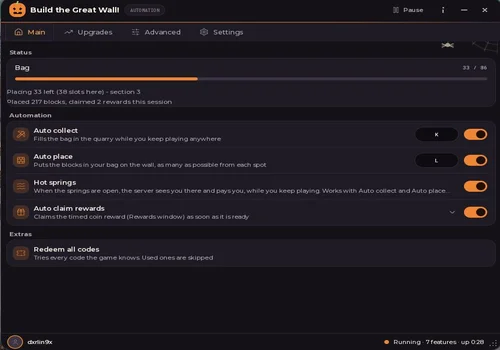
MonQer
All functions worked in our test. Auto Collect and Auto Place gathered blocks from the quarry and built the wall while the character stayed in one spot. This was our preferred script for block farming.
- Auto Collect
- Auto Place
- Build Order and Wall Section
- +7 more
Details
Functions
- Auto Collect
- Auto Place
- Build Order and Wall Section
- Placement Reach
- Hot Springs
- Auto Claim Rewards
- Redeem All Codes
- Auto Buy Upgrades
- Buy Affordable Upgrades Now
- Upgrade Progress
Script code
loadstring(game:HttpGet("https://scriptunlocker.com/h/649ba8e7-5f5b-4637-924c-bde17293bb0d.lua"))()