Our Infected Lands script is keyless — no key or key-page steps. RobScript Team built it after a reader requested Infected Lands through Suggest a Game. Copy the loader below for loot ESP, zombie markers and a survival HUD.
This release focuses on ESP, survival information and map markers. Auto Loot, Auto Farm, Aimbot and Kill Aura are not included.
RobScript Team – Infected Lands
Find nearby loot containers, spot zombie health and keep hunger, thirst and infection in view. Follow targets on the game's map.
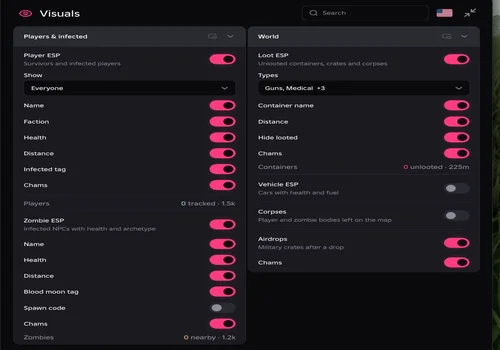
- Loot ESP — container names, category filters, distance and Hide looted
- Player ESP — name, faction, health, distance and infected filters
- Zombie ESP — names, health, distance and Chams
- +5 more
Details
RobScript Team – Infected Lands functions
- Loot ESP — container names, category filters, distance and Hide looted
- Player ESP — name, faction, health, distance and infected filters
- Zombie ESP — names, health, distance and Chams
- Vehicle ESP — vehicle markers, health and fuel
- Corpses and Airdrops — world markers
- Survival HUD — stamina, hunger, thirst and infection
- Map markers and waypoint — direction arrow, distance and Clear waypoint
- Separate ESP ranges — tune each target type
Change history
- — Released after a reader request. Follow-up testing confirmed the listed ESP features, Hide looted, waypoint placement and clearing, HUD/ESP after respawn, and Android controls.
Script code
loadstring(game:HttpGet("https://raw.githubusercontent.com/bobloscript/robscript/refs/heads/main/InfectedLands"))()Run the loader after your character loads into the world. On PC, RightControl shows or hides the menu. Use Style → Unload to stop the hub and remove its overlays. For executor availability, see our executor directory.
Filter loot by container type
In Visuals → Loot ESP → Types, choose Guns, Medical, Food, Vehicles or Other. Categories are inferred from container names. A Gun Crate marker points to a container; it does not reveal or guarantee the items inside.
Start with the default 225-stud Loot range. Change it under Style without expanding the range for players or zombies. A larger range can crowd the screen with labels.
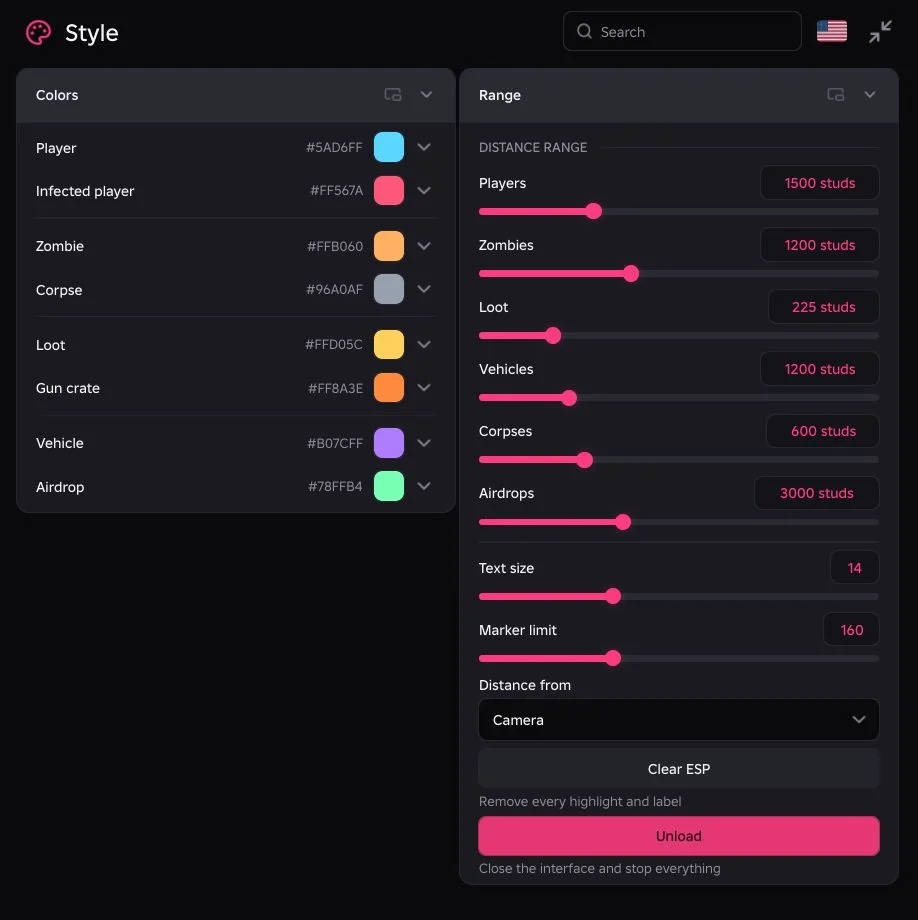
Keep markers on the game’s map
Enable Map → Markers on map, then open the normal game map — M on PC. Choose the layers you want to see. The overlay uses targets found by the ESP scanner, so check the matching Visuals toggle and range if a layer is empty.
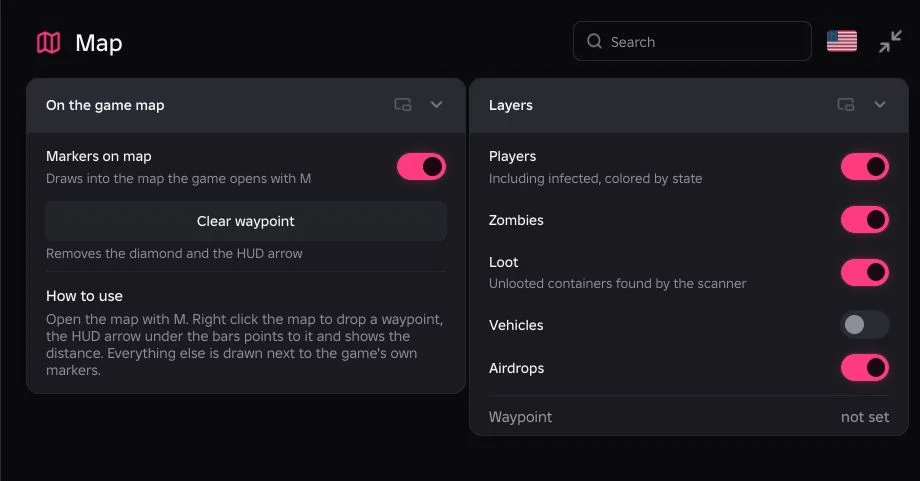
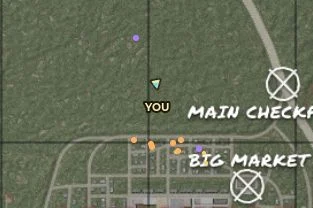
On PC, right-click the map to place a waypoint. The HUD arrow points toward it and shows the distance. Use Clear waypoint to remove it.
Looking for another survival setup? See our 30 Floors Up script for supply tracking and infected ESP.