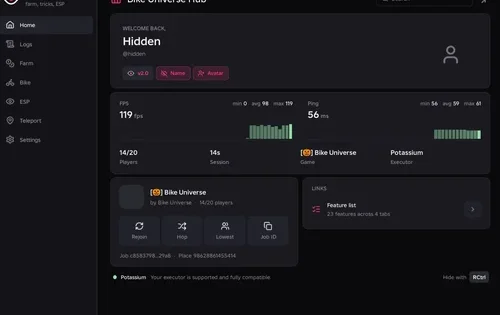
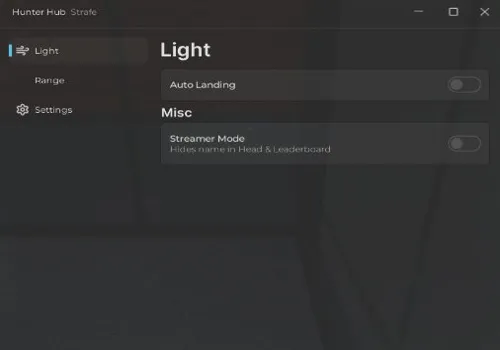
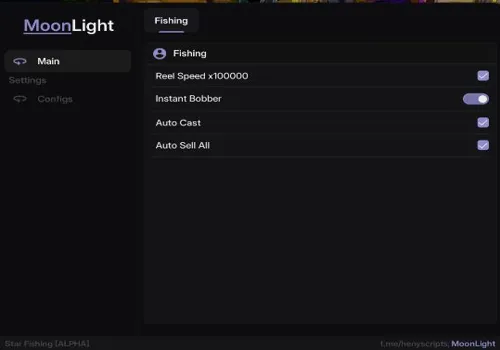
Gakuran is a Roblox slice-of-life and fighting experience set in Japan, May 2007. A lot of the catalog still focuses on close-range PvP with HP Bar, Stamina Bar, Auto Parry, ESP, TP Walk, dodge tools, and other combat helpers. The page now also includes a different type of no-key script: a classroom board tool that can automatically draw an image or custom text on a board, making it useful for creative scenes and school roleplay instead of fighting.
Game link: https://www.roblox.com/games/128736949265057/Gakuran
Catalog update — July 24, 2026: the realp script was moved to the key-system section because it now requires a key. A new no-key script by ancestrychanged was also added; it can automatically draw text or an image on a classroom board. The other scripts remain in the catalog.
Choose by what you actually want to do. HP Bar and Stamina Bar help you read fights, Auto Parry and dodge tools focus on combat timing, while the new board script is for automatically turning text or an image into a drawing inside the classroom.
Gakuran scripts no key
The no-key section has three choices, but they are built for different jobs. gHUB is the simplest combat utility with an HP Bar, while Kernel adds Stamina Bar and TP Walk. The new ancestrychanged script is not a combat hub at all: it is made for classroom boards, letting you automatically draw an image or custom text with preview, region, scale, brush, redraw, and timing controls.
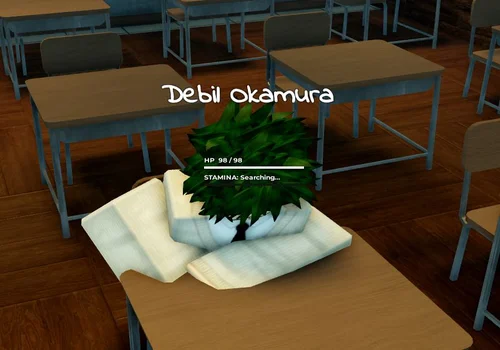
gHUB
- HP bar
Details
Functions
- HP bar
Change history
- – Added to page!
Script code
loadstring(game:HttpGet('https://raw.githubusercontent.com/PetirBaelish/gHUB/main/v1guys.lua'))()
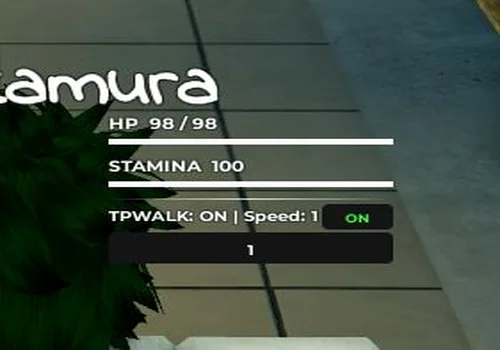
Kernel
- HP Bar
- Stamina Bar
- TP Walk
Details
Functions
- HP Bar
- Stamina Bar
- TP Walk
Change history
- – Added to page!
Script code
loadstring(game:HttpGet("https://raw.githubusercontent.com/2knoah-glitch/Roblox-scripts/refs/heads/main/Scripts/Gakuran.lua",true))()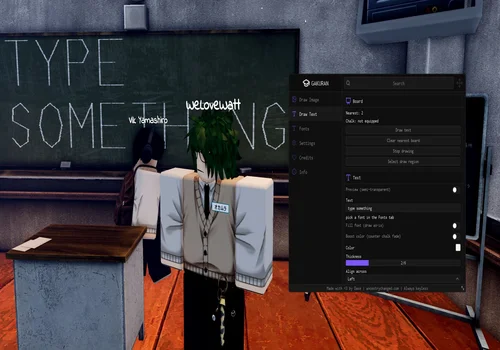
Gakuran script – draw text or image on board
- Draw Image
- Draw Text
- Clear Nearest Board
- +44 more
Details
Functions
- Draw Image
- Draw Text
- Clear Nearest Board
- Stop Drawing
- Select Draw Region
- Replicate to Server
- Pause Drawing
- Image Preview
- Detail
- Padding
- Scale Mode
- Coarseness
- Line Overlap
- Brush Size
- Redraw Sweep Order
- Pass 1 Sweep
- Pass 2 Sweep
- Frame Delay
- Sends per Frame
- Flush Size
- Drain Time
- Redraw Passes
- Text Preview
- Custom Text
- Font Selection
- Fill Font
- Boost Color
- Text Color
- Thickness
- Align Across
- Anti-AFK
- Block AFK Teleport
- Rejoin
- Server Hop
- Prevent First Person
- Prevent Phone Opening
- Clear Board on New Drawing
- Menu Bind
- Shake Phone to Hide or Show UI
- Unload
- Create Config
- Load Config
- Overwrite Config
- Delete Config
- Refresh Config List
- Set as Autoload
- Reset Autoload
Change history
- – Added to page!
Script code
loadstring(game:HttpGet("https://ancestrychanged.com/scripts/gakuran/main.lua"))()Draw text or images on Gakuran classroom boards
The new ancestrychanged script is useful when you want to create something on a classroom board without drawing every line by hand. You can load an image or enter custom text, preview the result, choose the part of the board to use, and let the script reproduce it automatically. It also includes pause, stop, redraw, and server-replication controls for longer drawings.
Use image mode for pictures
Image Preview, Detail, Padding, Scale Mode, Coarseness, Line Overlap, Brush Size, and redraw passes let you balance how closely the board drawing follows the source image against how much work the script has to send.
Use text mode for signs or messages
Custom Text, Font Selection, Fill Font, Text Color, Thickness, and alignment options make it easier to place readable words on the board instead of trying to write them manually with the in-game drawing system.
Tune long drawings
Frame Delay, Sends per Frame, Flush Size, Drain Time, sweep order, and redraw passes give you control over how the drawing is processed. The script also includes Anti-AFK, rejoin, server hop, and config tools for repeated use.
Why HP Bar helps
In a close fight, you need to know if the opponent is actually low or just baiting you into a bad trade. HP Bar helps you decide when to stay aggressive and when to back off.
Why Stamina Bar matters
Gakuran rewards players who manage movement, blocks, and dodges. If you can see stamina clearly, it is easier to avoid wasting movement and getting punished.
Why TP Walk is not the same as auto win
TP Walk can help with positioning, but it will not replace timing. You still need to understand when to move in, when to dodge, and when to avoid obvious parry bait.
Gakuran scripts with key-system
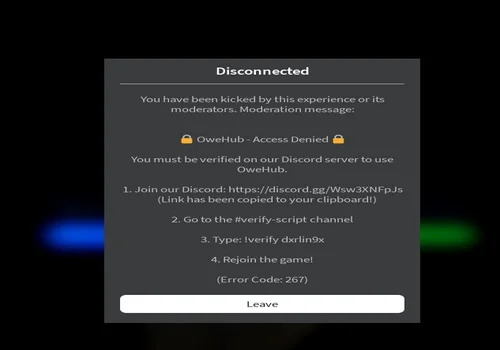
The key-system section now has four options: realp, Oxy, Harrybawl, and Owe Hub. realp was moved here on July 24 because it now requires a key, but its main purpose is unchanged: Auto Parry, Auto Block, Fast Attack, target focus, and automatic M1/M2 attacks. Oxy, Harrybawl, and Owe Hub remain alternatives for ESP, Auto Dodge, detailed parry settings, hitbox tools, and other combat controls.
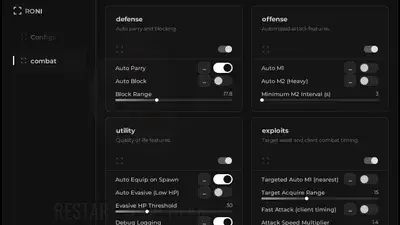
Gakuran script by realp
- Auto Parry
- Auto Block
- Block range changer
- +3 more
Details
Functions
- Auto Parry
- Auto Block
- Block range changer
- Fast Attack
- Focus any player
- Auto m1 and m2 (heavy)
Change history
- – Added to page!
- – Transfered to key-system
Script code
loadstring(game:HttpGet("https://api.luarmor.net/files/v4/loaders/030c18901831a9df3ddf3b8bce0bf9cb.lua"))()
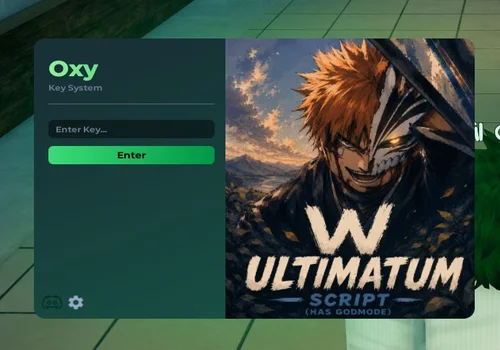
Oxy
- – Auto Parry (toggle + keybind)
- – Auto Dodge (behind attacks)
- – Dodge fallback (stun / ragdoll recovery)
- +36 more
Details
Functions
- – Auto Parry (toggle + keybind)
- – Auto Dodge (behind attacks)
- – Dodge fallback (stun / ragdoll recovery)
- – Stay Equipped
- – No Parry Cooldown
- – Reaction offset (ms)
- – Range pre-filter (studs)
- – Debug logs
- – Boxes / Filled boxes
- – Health bar
- – Names (+ real Roblox name option)
- – Distance
- – Combat Style / Grade / Age / Height
- – Anti AP Breaker (+ Easy / Medium / Strict presets)
- – AP Breaker (toggle + keybind + intensity)
- – Hitbox Visualizer (+ transparency)
- – Auto Green
- – Humanize (jitter)
- – No Dribble Cooldown
- – Basketball ESP
- – Live target list (all free players, any hub)
- – Spin
- – Freeze / Unfreeze
- – Sit
- – Explode (visual)
- – Notify (fake staff message)
- – Fake Kick screen
- – Ping (test)
- – Execute on target / Execute on ALL free
- – Disable Shadows
- – Disable Textures
- – Low Graphics
- – Custom cursor
- – Notification side
- – Menu keybind
- – Account / tier / session info
- – Copy join script (Job ID)
- – Report a bug / Suggest a feature
- – Discord / Telegram links
Change history
- – Added to page!
Script code
--- join discord for key zero ads key no linkvertise https://discord.gg/realoxy
--- also we have admin commands to troll people (paid)


loadstring(game:HttpGet('https://api.luarmor.net/files/v4/loaders/e4f879e72b8fcf03f318ec5e76201ec7.lua'))()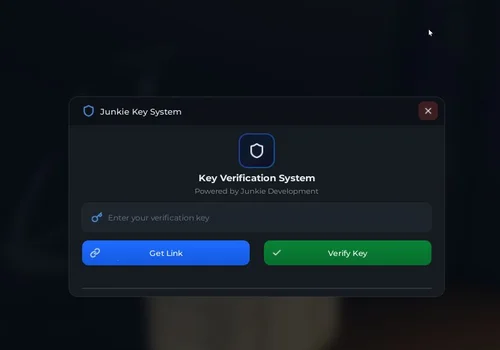
Harrybawl
- Autoparry
- esp
Details
Functions
- Autoparry
- esp
Change history
- – Added to page!
Script code
loadstring(game:HttpGet("https://api.jnkie.com/api/v1/luascripts/public/6448a11f7f4030529fb16498d4fccbea5625d689df2628fa08ebf62b941c760b/download"))()
Owe Hub
- [+] Auto Parry – (45 attacks are added by default)
- (Timings [Timing offset, Hold Duration, Max range])
- [+] AP Builder + Auto-fill Hit time [beta]
- +3 more
Details
Functions
- [+] Auto Parry – (45 attacks are added by default)
- (Timings [Timing offset, Hold Duration, Max range])
- [+] AP Builder + Auto-fill Hit time [beta]
- (Animation Logger, Preview Animation, Capture Range, Saved Parry ID's)
- [+] Auto Rhythm
- (Hit Chance [P/G/O/B/M | 0% – 100%]
Change history
- – Added to page!
Script code
loadstring(game:HttpGet("https://owed.lol/loader.lua"))()
What Gakuran scripts are actually for
Gakuran is not a normal simulator where every script is built around Auto Farm. Most of the tools here are for school-fight PvP: reading health and stamina, handling parries or dodges, tracking players, and improving positioning. The new board script adds a second use case by automating free-form classroom drawings from images or text.
- HP Bar helps you see when a target is low enough to pressure.
- Stamina Bar helps you avoid running out of movement or defense at the wrong time.
- Auto Parry helps with timing-based defense when supported by the script.
- ESP makes players, distance, names, or combat details easier to track when included.
- Low graphics tools can make crowded fights smoother on weaker devices.
- Board drawing can turn an image or custom text into an automatic classroom-board drawing instead of making you recreate it line by line.
HP Bar vs Auto Parry: which one should you use?
Use HP Bar if you are learning fights
HP Bar is simple but useful. It does not fight for you, but it gives cleaner information. For newer players, that can be enough to stop panicking and make better decisions.
Use Auto Parry if timing is the problem
Parry is one of the most important defensive mechanics in Gakuran. Auto Parry tools are meant for players who struggle with reaction timing, especially when opponents mix light attacks and heavy attacks.
A realistic way to choose: if you lose because you do not know when to push, start with HP Bar. If reaction timing is the main problem, Auto Parry is more relevant. In the current catalog, every listed Auto Parry option is in the key-system section, including realp.
Conclusion
The July 24 catalog now has three no-key choices and four key-system combat options. Use the new ancestrychanged script when you want to draw an image or custom text automatically on a classroom board. Use Kernel for HP Bar, Stamina Bar, and TP Walk, or gHUB for a simple HP Bar. For Auto Parry and direct combat automation, realp is still available but now requires a key, alongside Oxy, Harrybawl, and Owe Hub.
![Скрипт Игра в Слова [🇷🇺] 2026 – (Автоподбор Слов)](https://robscript.com/wp-content/uploads/2026/10/ИграВСлова1-500x315.webp)