In Tiny Snipers matches, the RobScript Team hub gives you camera-based aiming and separate highlights for players and bots. The November 22 check used Potassium on Windows.
Keyless Script
RobScript Team – Tiny Snipers
The v1.1 hub turns your camera toward a selected target and has separate ESP toggles for players and bots. It also includes movement and lighting controls.
- Camera Aimbot
- Player ESP
- Bot ESP
- +9 more
Limitation: Aim and ESP look for combatants in active matches. The target indicator can stay on Nothing in the lobby, and practice dummies are outside the match target list.
Details
RobScript Team – Tiny Snipers functions
- Camera Aimbot
- Player ESP
- Bot ESP
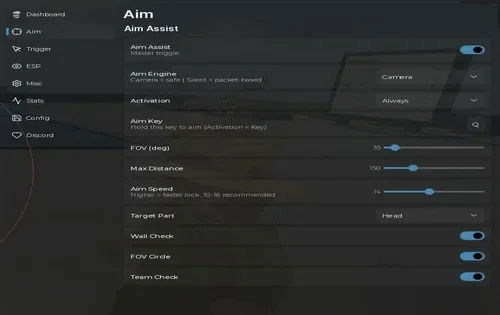
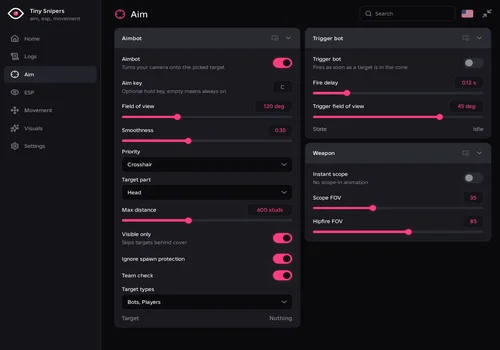
- Aim · Aimbot: Aim key, Field of view, Smoothness, Priority (Crosshair or Distance), Target part (Head or Torso), Max distance, Visible only, Ignore spawn protection, Team check, Target types
- Aim · Trigger bot: Fire delay, Trigger field of view, State
- Aim · Weapon: Instant scope, Scope FOV, Hipfire FOV
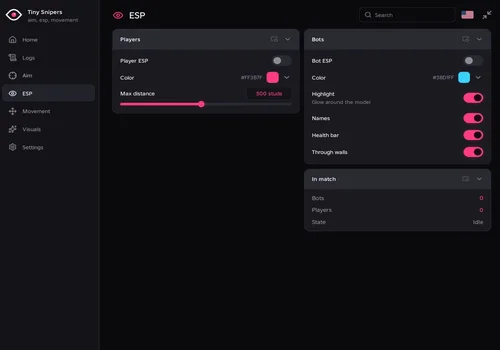
- ESP: Color, Max distance, Highlight, Names, Health bar, Through walls, player and bot counts
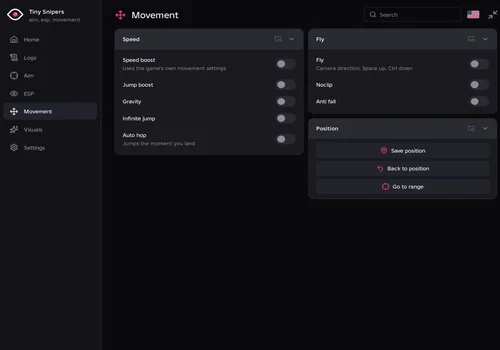
- Movement · Speed: Speed boost, Speed, Jump boost, Jump height, Gravity, Gravity value, Infinite jump, Auto hop
- Movement · Fly: Fly, Fly speed, Noclip, Anti fall
- Movement · Position: Save position, Back to position, Go to range
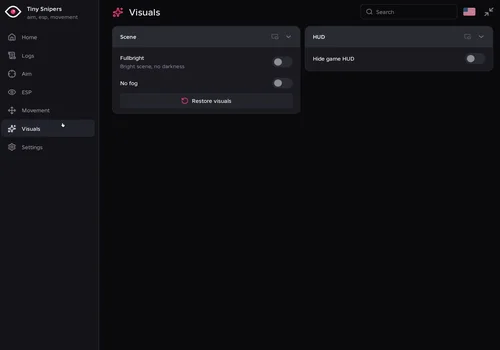
- Visuals: Fullbright, No fog, Restore visuals, Hide game HUD
- Logs and Settings: Activity, Configs, Theme, Unload hub, RightControl window toggle
Change history
- – v1.1 opened on Potassium for Windows. The check confirmed camera tracking, match target selection, player and bot highlights, Speed Boost, and Fullbright.
Script code
loadstring(game:HttpGet("https://raw.githubusercontent.com/bobloscript/robscript/refs/heads/main/TinySnipers", true))()Hub screenshots
About Tiny Snipers
Tiny Snipers is a Roblox shooter by Strafe Jump where miniature characters fight across oversized rooms. It has Free for All, Team Deathmatch, Gun Game, rotating party modes, ranked seasons, and 1v1 or 2v2 duels. The developer warns that cheating can result in a ban.